

MakerBot Replicator Mini+
Compact 3D printer
Simple, easily accessible and reliable 3D printing

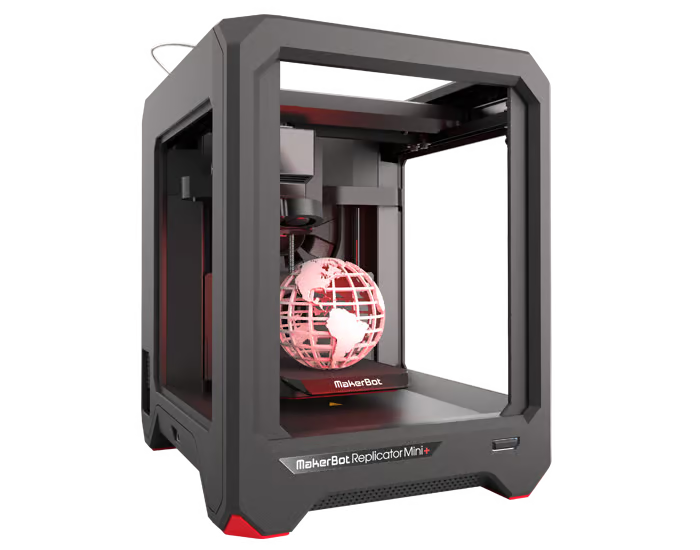
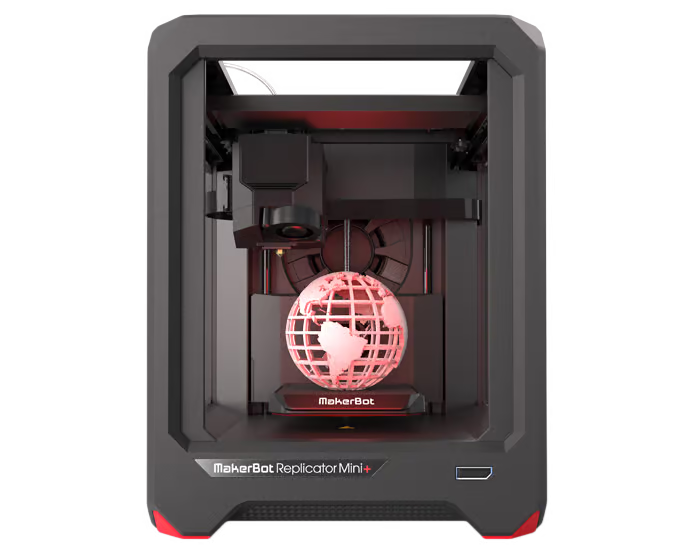
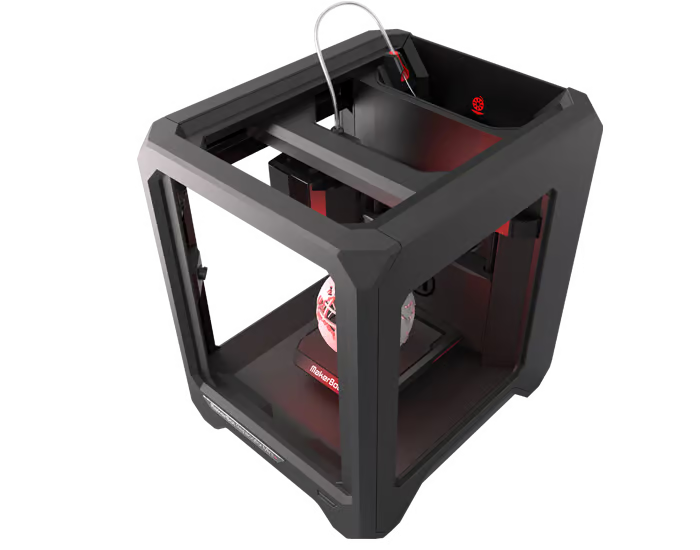
The MakerBot Replicator Mini+ is designed and tested for reliable and faster 3D printing.
The new Replicator Mini+ has been developed and tested for reliable and faster 3D printing. This new 3D printer prints high quality 3D models faster, easier and can print larger build volumes.
Combined with the other tools MakerBot offers, the MakerBot Replicator Mini+ simplifies desktop 3D printing for professionals and educators. Small, portable and easy to integrate.
Larger installation space & high-quality construction for better performance
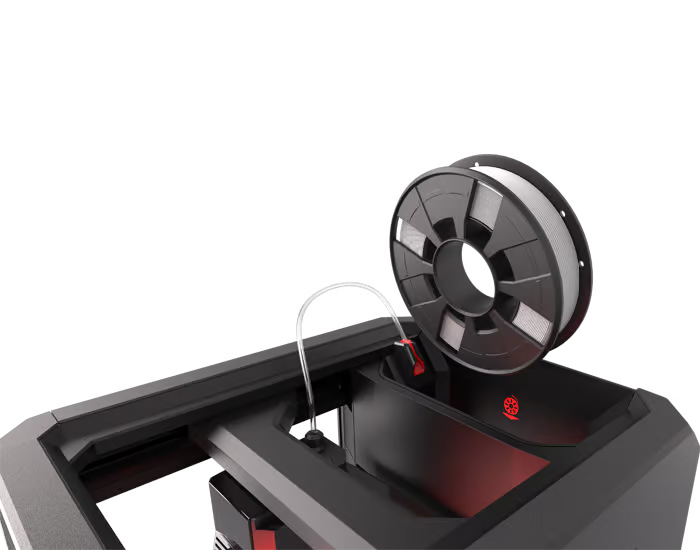
To improve the performance of the MakerBot Replicator Mini+, the filament guide has been improved and the z-axis and x,y-axis have been redesigned. Among other things, it now offers a 25% larger build space and an improved build platform.
The Replicator Mini+ has been optimized for MakerBot PLA filament and now comes with the SmartExtruder+ as standard. In addition, the operating volume has been reduced by 58%, making it ideal for use in the office or classroom.
Performance features
Created and refined over six generations of innovative 3D printer development
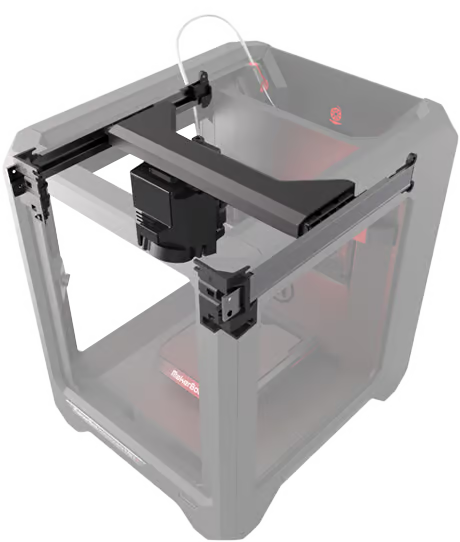
Developed for more reliable, faster 3D printing
The MakerBot Replicator Mini+ prints 10% faster than its predecessor and offers a 28% larger build volume. The hardware has been further developed to achieve greater reliability and precision. For example, the build platform holder and the x,y-axis have been completely redesigned.
Combined with improved applications
Save time during print preparation with the new MakerBot Print software and Makerbot Mobile. The Replicator Mini+ can be controlled cloud-based from anywhere with the MakerBot Print or Mobile app. With MakerBot Print you can now import native CAD files and assemblies directly. These are automatically placed on the build platform(s) and can be produced simultaneously or sequentially on one or more printers.

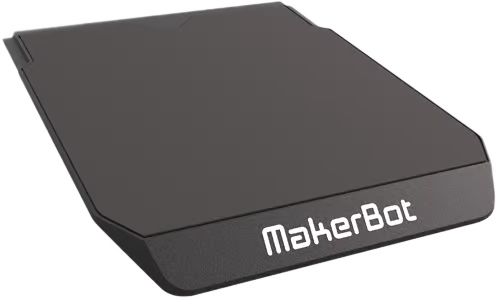
“GRIP” surface and factory-adjusted
With the new “Grip” surface, the objects adhere better to the build plate. This reduces warping and unintentional detachment from the build plate during printing. The build plate is also adjusted at the factory. This means you can start 3D printing straight away.
MakerBot Mobile App
Start printing faster & easier than ever before: Thanks to the configuration via MakerBot Mobile. Once this is complete, you can monitor your print jobs via live camera images, even when you are on the move.
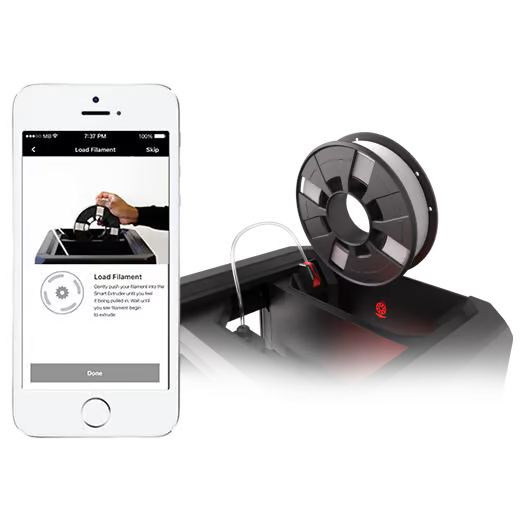

Smart Extruder+
The MakerBot Smart Extruder+ is easy to attach and replace. It has been tested for over 160,000 hours to deliver consistent performance and best results with MakerBot PLA filament.
The MakerBot Smart Extruder+
- is easy to replace
- detects the absence of filament and stops printing automatically
- Sends messages to MakerBot Desktop and the MakerBot Mobile apps
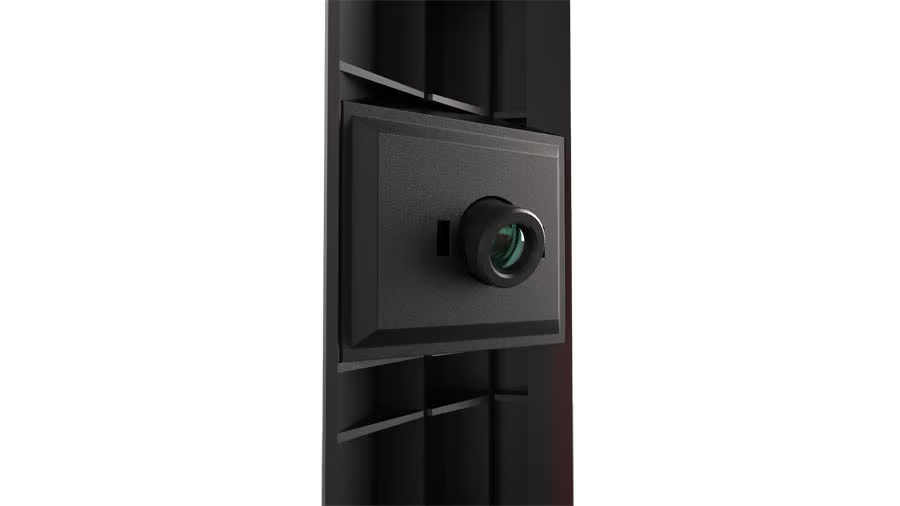
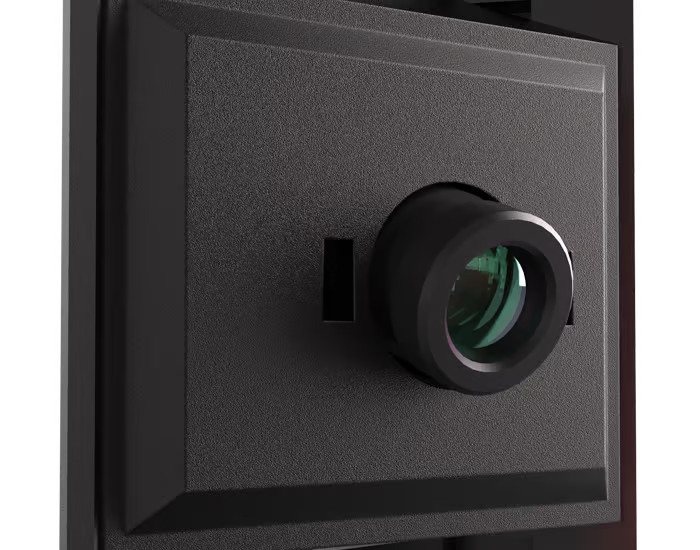
Built-in camera
Monitor your 3D print
with the built-in camera.
Access the camera via MakerBot Desktop or
MakerBot Mobile Apps.
Take photos of your print and save
the images in your MakerBot “Cloud” library
(also ideal for sharing your prints on social networks).
Much quieter 3D printing
The MakerBot Replicator Mini+ is 58% quieter in operation than its predecessor, making it ideal for use in the office or classroom.

Advanced software
Control multiple printers simultaneously with MakerBot Print. This allows you to print several build plates at the same time or one after the other. Manage your 3D files in your personal cloud-enabled library. MakerBot Print is freeware and compatible with Mac & Windows operating systems.
Service & Support
As a MakerBot Authorized Partner Professional we offer you competent and fast service & support

MakerBot MakerCare
For fast and efficient help, you can upgrade your MakerBot Replicators with our MakerCare service packages.
This includes free telephone support, preferential treatment in warranty and guarantee cases and a free annual all-round check of your MakerBot. You also get access to the customer area of the website with the latest developments, news, tips & tutorials and much more.

Support
We are proud to offer you the friendly support of experts.
Do you have questions about the apps? Do you need help with the operation of your MakerBot device? Try our customer area with instructions and tutorials for troubleshooting.
Or get in touch with us personally:
Filaments for 3D printing
The best and most coherent filament for the MakerBot Replicator Mini+ 3D printer.
Produced to the highest quality standards to achieve the best printing results.

Technical data
MakerBot Replicator Mini+
PRINTING TECHNOLOGY
FDM = Fused Deposition Modeling
CONSTRUCTION VOLUME
10.1 L x 12.6 W x 12.6 H cm
1,603 cubic centimeters
LAYER RESOLUTION
0.1 – 0.4 mm
NOZZLE DIAMETER
0.4 mm
MINIMUM WALL THICKNESS
0.8 mm
FILAMENT DIAMETER
1.75 mm
PRINTABLE MATERIAL
MakerBot PLA Filament
BUILDING PLATFORM
Factory-adjusted with Grip-Surface
EXTRUDER COMPATIBILITY
SmartExtruder+
FILAMENT COMPATIBILITY
MakerBot PLA Filament (Small)
OPERATING VOLUME
58.8 dBA RMS
OPERATING TEMPERATURE
15-26°C
STORAGE TEMPERATURE
0-38°C
DIMENSIONS & WEIGHT
DIMENSION
29.5 L x 34.9 W x 38.1 H cm
WEIGHT
9.3 kg
PACKAGING SIZE
40.0 L x 45.4 W x 52.2 H cm
SHIPPING WEIGHT
~12.2 kg
ELECTRICITY
POWER SUPPLY
100-240V, 50-60Hz, 0.75 – 0.45 A
CONNECTIONS
WI-FI / USB
SOFTWARE
SOFTWARE PACKAGE
MakerBot Print / MakerBot Mobile
DATEITYPEN
.makerbot, .stl, .obj, .sldprt, .sldasm, .ipt, .iam, .iges, .igs, .step, .stp, .CATPart, .CATProduct, .prt, .par, .asm, .prt, .asm, .wrl, .x-t, .x_b
OPERATING SYSTEMS
Windows (7, 10)
Mac OS X (10.9+)
No Linux support
CAMERA
RESOLUTION
640 x 480

MakerBot 3D printer

MakerBot Software & Apps


