

Formlabs Software PreForm
One-click printing
Download for Windows
Windows 7 or higher
Download for Mac
OS X 10.7 or higher
Formlabs PreForm software prepares your 3D models for printing with Formlabs SLA 3D printers, giving you the freedom to focus on creating. Your models are ready to print in minutes. Load them onto the printer and watch your designs come to life.
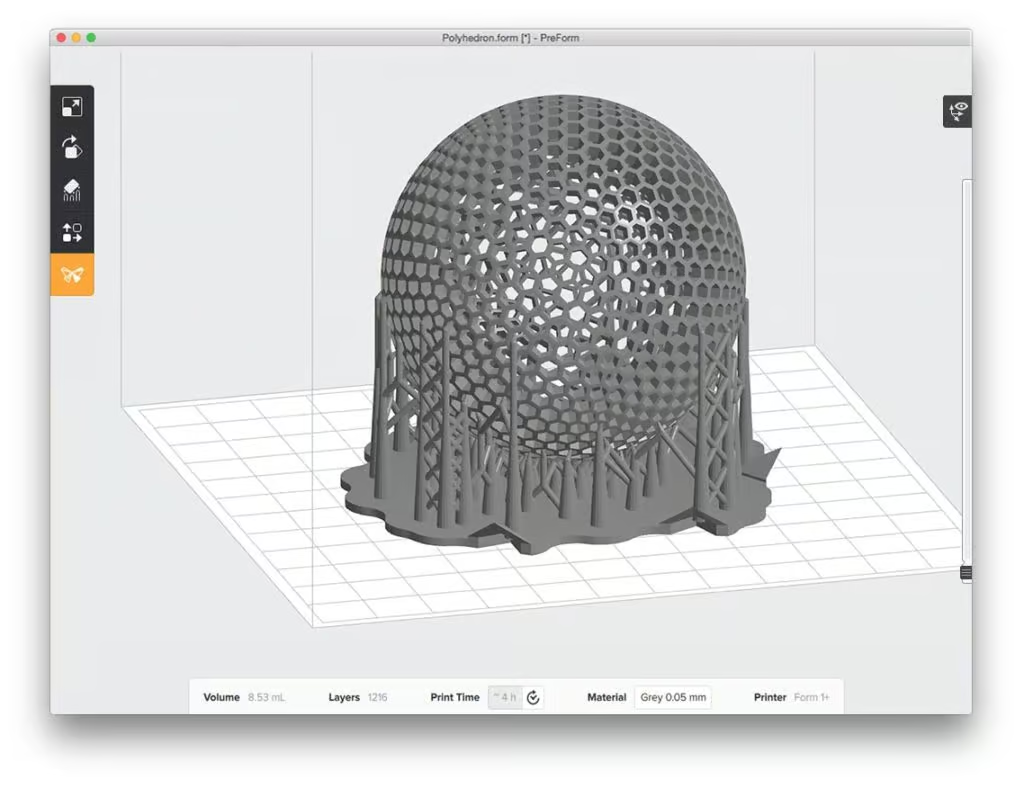
With the one-click printing function, the Formlabs software takes care of the best possible results. Preform automatically aligns your model, adds support structures and determines the ideal setup. Transferring the data to the 3D printer is quick and easy. You can select multiple Formlabs 3D printers and upload your print jobs directly using the wireless function.
The current version supports 7 languages: English, German, French, Italian, Spanish, Chinese and Japanese.


Print without computer connection
Once the data has been transferred, the Formlabs 3D printers get to work – even if they are then disconnected from the computer.

Automatic orientation
The PreForm software automatically orients your models to achieve the best results. This takes you to the 3D model with just one click.

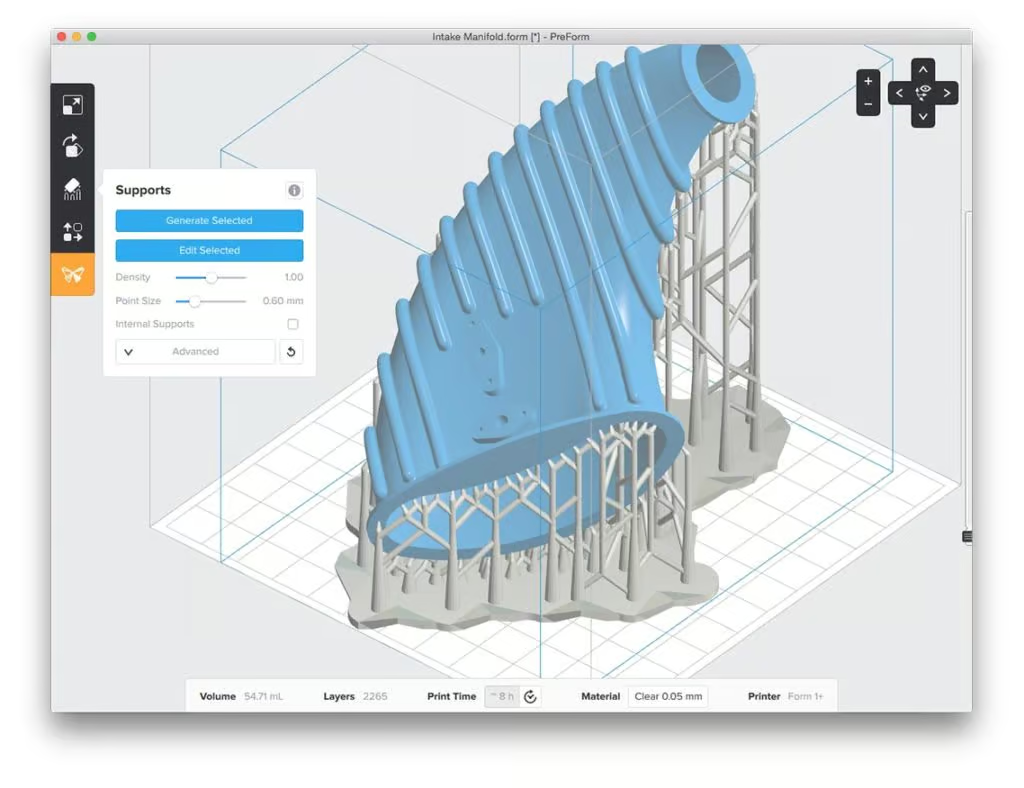
Automatic support structures
Support structures are added automatically and guarantee perfect printing results.

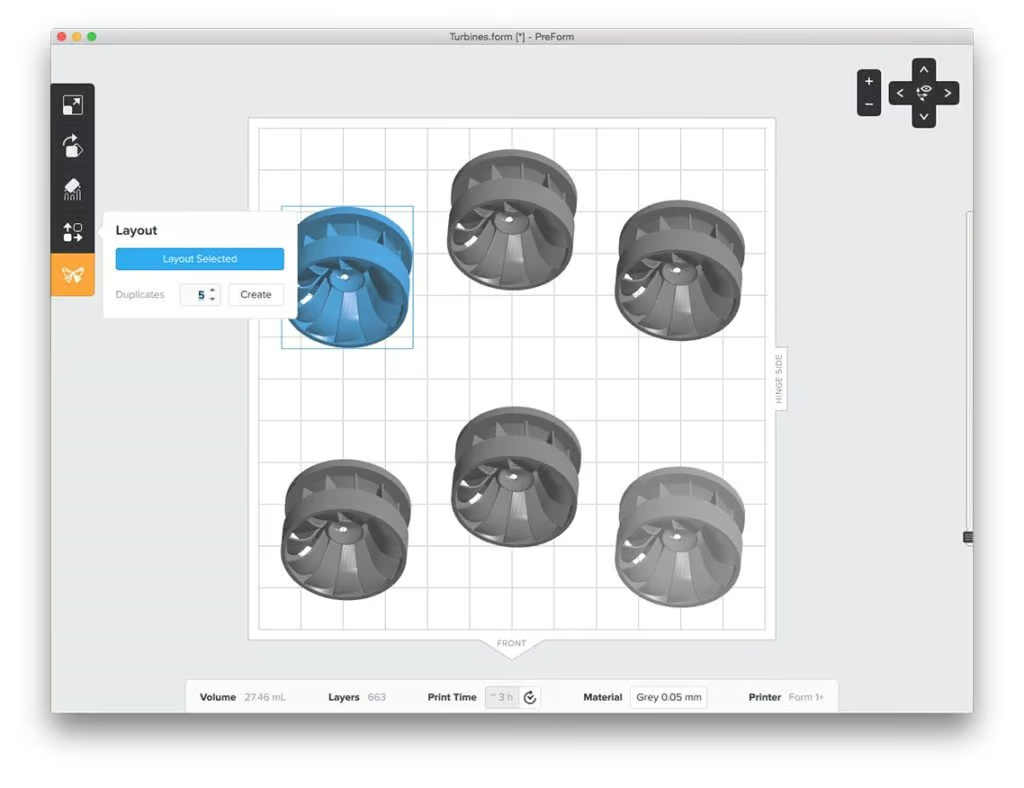
Layout tools
You can also use the layout tools to duplicate, align and scale your digital models in the printing software or import additional models.

Formlabs Form 4 3D printer

Form 4 Materials

Form Wash 2nd Generation

Form Cure 2nd Generation


