

Software updates
3D printing with the MakerBot Replicator+ without Raft

Dec
MakerBot Print Version 1.5
We eagerly await every update of the new MakerBot software MakerBot Print. Expectations are high, as we were promised a lot in advance…
The latest updates (Release 1.3.1, 1.4 and 1.5) have already made the following improvements and enhancements:
- The rafts are much easier to remove from the model (especially with the Replicator+)
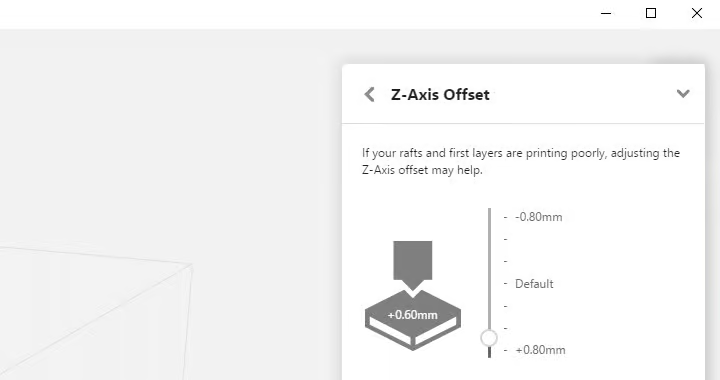
- A Z-calibration and a Z-axis offset can now also be carried out from the software for the Replicator+
- The USB connection and Wi-Fi configuration have also been improved
- A preview is now available for the Replicator 2 and 2X (export and dual extrusion do not work, however)
The concrete advantage of these further developments is that we can now print on the MakerBot Replicator+ without a Raft.
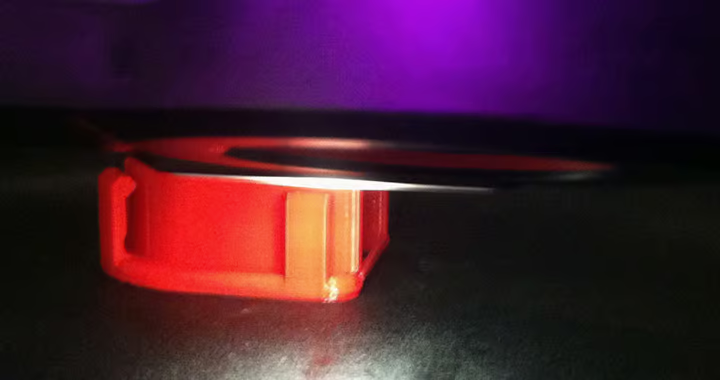
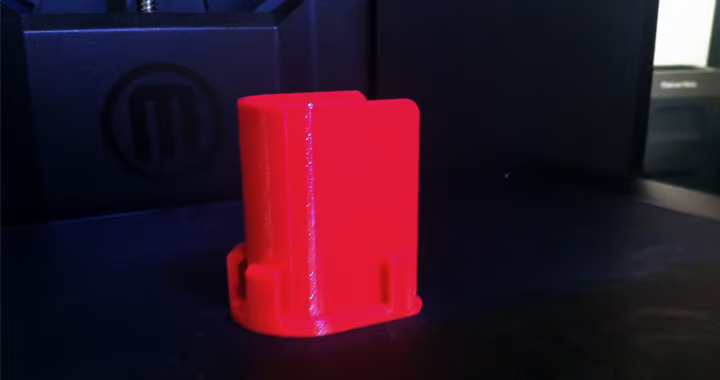
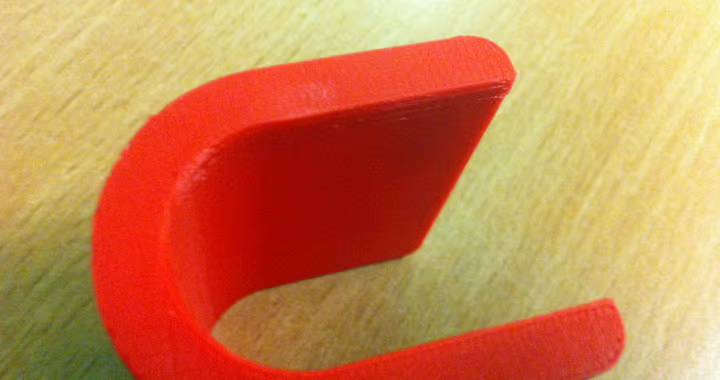
Print without Raft with the MakerBot Replicator+
We were very pleased about the z-axis offset feature. Of course, we tested it straight away and successfully printed our first component without a raft!
The whole thing works quite simply:
- Connecting the MakerBot Replicator+ to the computer
- Open MakerBot Print software
- Select the printer and open the control panel at the bottom right
- Select Utilities at the bottom right and then select -> Calibration -> Z-Axis-Offset
Now you can approach the ideal distance step by step and then print without a raft.
(Caution: If you reduce the distance to the build plate too much, this can damage your build plate or extruder!)
It worked wonderfully with our test body: excellent adhesion to the building platform and a fairly smooth base surface. Although this is not as smooth as with prints from the Replicator 2 on the glass plate, it is significantly better than with a Raft underneath. In our opinion, this solution is certainly worthwhile for small and medium-sized objects.
Download the latest version of MakerBot Print to benefit from the new features yourself!
DownloadMakerBot filament now cheaper!
At the end of this year we were able to make price adjustments to the MakerBot filaments. That is why we are now offering all MakerBot filaments at a lower price. In addition, the Tough PLA Filament Bundle is now available from stock again. Take a look and continue to benefit from the high-quality filaments from MakerBot!
PLA Large PLA XXL Tough PLA
MakerBot Tough PLA Sample Print
Would you like to be able to print a material that is as easy to print as PLA and yet as robust and flexible as ABS? Try the Tough PLA filament!
You can now request individual sample prints made of Tough PLA from us. Get in touch with us and we will make you a non-binding offer.
Sample Print - Request a quote
