Scan-to-CAD software for reverse engineering and 3D modeling
Scan-to-CAD accelerates reverse engineering through intuitive mesh editing, feature extraction and direct CAD integration for 3D printing, prototyping and product development.
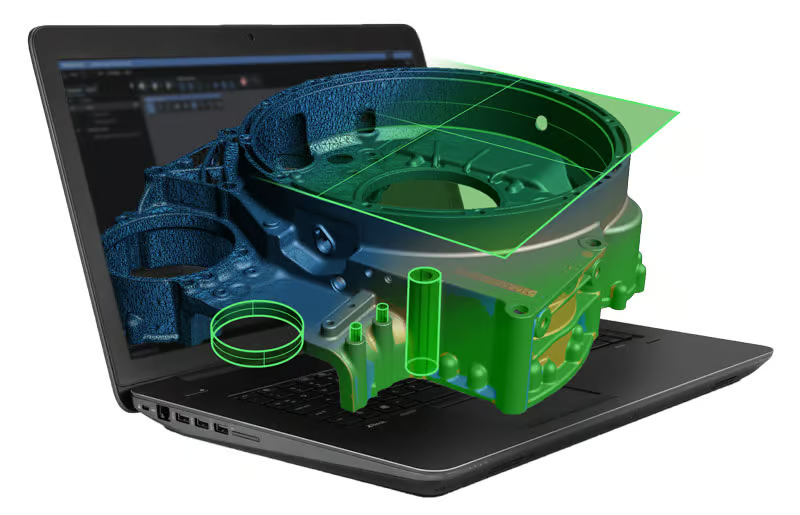
Scan-to-CAD is part of the Creaform Metrology Suite™ and is a post-processing software module designed to optimize meshes and prepare 3D scans for 3D printing. With Scan-to-CAD, designers and engineers can finalize 3D scan data and use it in their reverse engineering and product development workflows.
Thanks to the fast processing time, which immediately optimizes the mesh and extracts all the necessary geometric information, designers and engineers can quickly return to their usual CAD workflow.
Satisfied with its performance and comprehensive toolset, thousands of users have already chosen Scan-to-CAD and made it their preferred complement to CAD software.
Mesh optimization + 3D printing
With Scan-to-CAD’s powerful preparation and enhancement tools, you can quickly edit the mesh and align 3D scan data. After cleaning and enhancing the 3D scan data, you get a usable and optimized mesh that is ready for 3D printing or other applications.
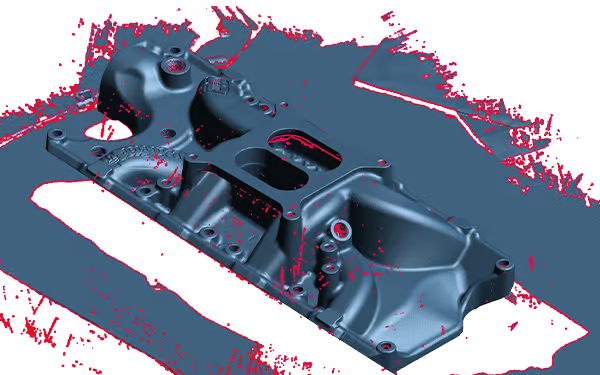
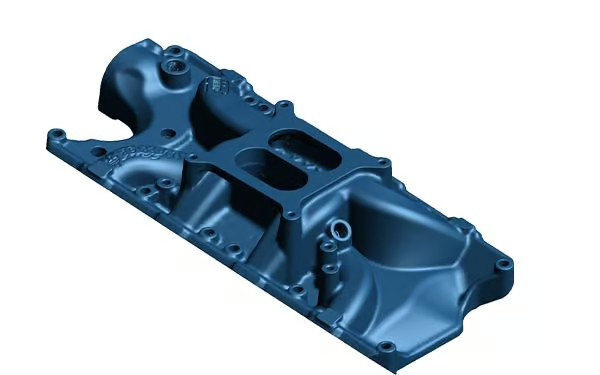
Preparing and cleaning the mesh for CAD or 3D printing
STEP 1
Scan-to-CAD offers simple but efficient tools for preparing 3D scan meshes for reverse engineering or 3D printing.
Clean up the network
Fill holes
Merging networks
Decimate network
Make the net waterproof
Align 3D scans to the coordinate system
STEP 2
The scan-to-CAD alignment tool facilitates the important step of aligning 3D scans to the coordinate system before export.
Entity-based alignment
“Best fit” alignment
Product development + reverse engineering
Scan-to-CAD provides only the tools and features you need to integrate 3D scan data into your favorite CAD software and use its design and modeling capabilities. With the intuitive functions, you can easily extract and transfer information from the mesh to generate CAD elements for 3D modeling.
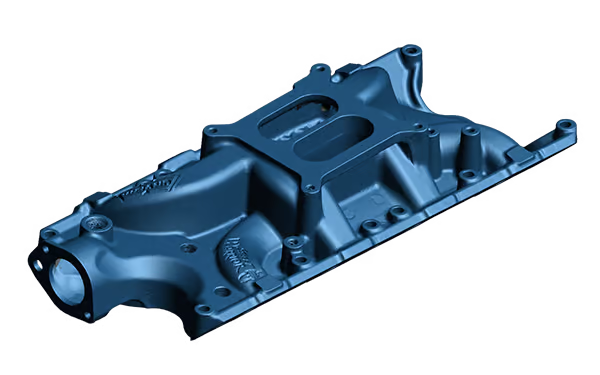
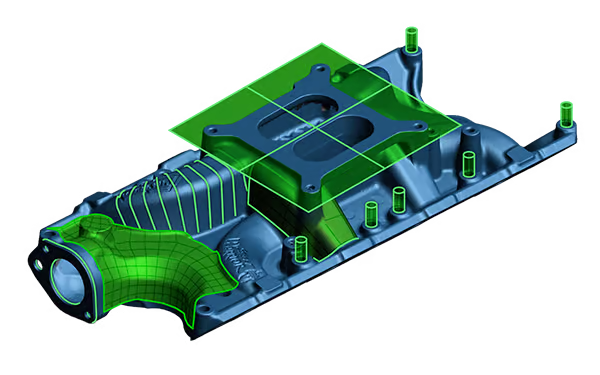
Extract geometric elements from 3D scan data
STEP 3
Scan-to-CAD simplifies the creation of NURBS surfaces to characterize free-form areas and enables the extraction of geometric elements from the mesh to finalize designs in any CAD software.
Automatic surfaces
Manual surfaces
2D/3D elements
Curves
Cross sections
Create 2D sketches for CAD modeling
STEP 4
Scan-to-CAD Pro allows you to quickly and efficiently create 2D sketches from 3D scan data, such as cross-sections, to form the basis for creating parametric CAD models.
Manual sketches
Sketches on scan data
Automatic creation of features
Create precise 3D models with parametric tools
STEP 5
Scan-to-CAD optimizes your reverse engineering workflow with intuitive tools that let you create accurate parametric solid models on the first try.
Extrude
Turning
Cutting
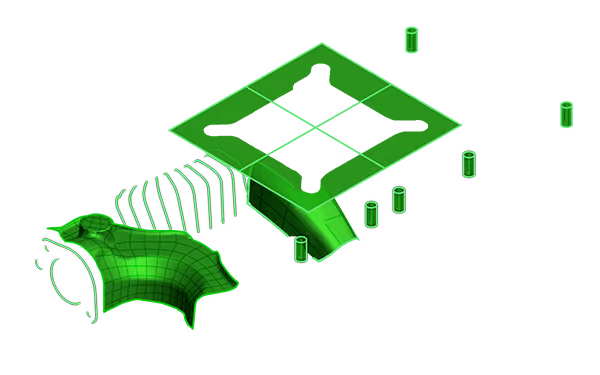
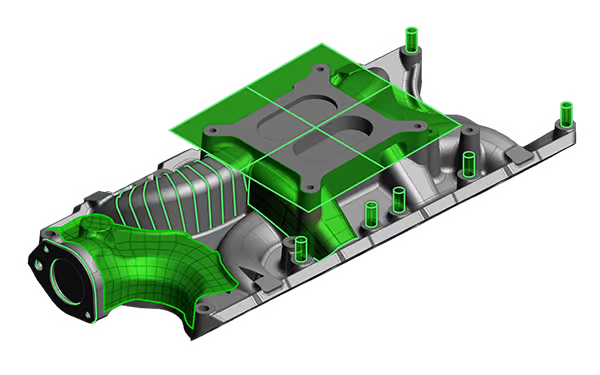
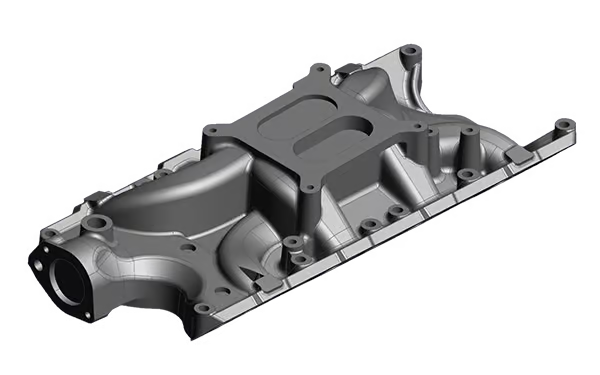
Exporting and transferring elements to your CAD software
STEP 6
Scan-to-CAD allows you to seamlessly export 3D scan data to any CAD software using standard formats (.iges, .step, .dxf). With a simple right-click, geometric elements can be transferred directly to the following CAD software:
SOLIDWORKS
Autodesk Inventor
Autodesk Fusion 360
Solid Edge
The most user-friendly reverse engineering toolkit
Scan-to-CAD is available in two versions depending on your workflow.
| Features | Scan-to-CAD | Scan-to-CAD Pro |
|---|---|---|
| IGES/STEP CAD file import/export | X | X |
| Tools for processing meshes | X | X |
| Surfaces | X | X |
| Alignment | X | X |
| Creation of elements | X | X |
| Basic measuring tools | X | X |
| 2D sketching | – | X |
| 3D modeling | – | X |
| Transfer to common CAD software | X | X |
Compatible with any CAD software



Find out how you can speed up your development process with Scan-to-CAD.
Get privileged access to the powerful tools and features of Scan-to-CAD.
Learn how Scan-to-CAD can give you a competitive advantage for your business.
Which 3D scanner is right for you?
Compare the functions to find the best 3D scanner for your application.
Compare 3D scanners